Guide
Parental controls without an account
Most parental control apps start with “create an account”. That often means a child's activity is uploaded to a company's servers, and some keep those logs for months.
Why go account-free
- No password to manage, and no family dashboard account that could be breached.
- Settings stay on your computer, not on our servers.
- Nothing to sign into on your child's computer.
How Family Lock does it
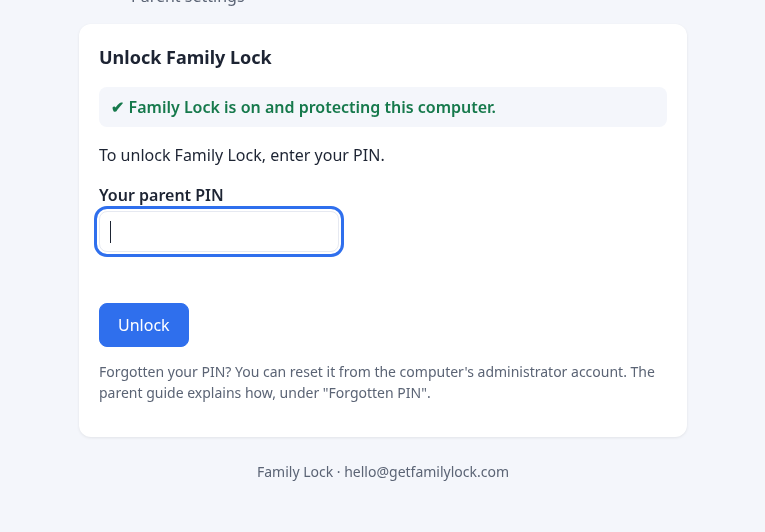
Your settings and PIN live on the computer. Blocking happens there too. Unlock codes let you approve a site from your phone with a one-time code, still with no account.
The trade-off
Without an account there's no online dashboard or activity report. If you want to monitor messages and history, an account-based app is the better fit. If you just want the distractions gone, and the browsing to stay in the house, account-free is simpler and more private.