Guide
How to block YouTube Shorts on Chrome
YouTube has no setting to turn Shorts off. Here are three ways to block them on a family computer, from simplest to sturdiest.
Option 1: Hide Shorts with an extension
Free extensions such as Unhook can hide Shorts. They work well for adults, but a child can switch them off or remove them in a click, because they have no lock.
Option 2: Block the Shorts address
Some site blockers let you block youtube.com/shorts. This stops Shorts links opening, but Shorts still appear on the home page and in search, and the block can be removed.
Option 3: Use a PIN-locked blocker (best for kids)
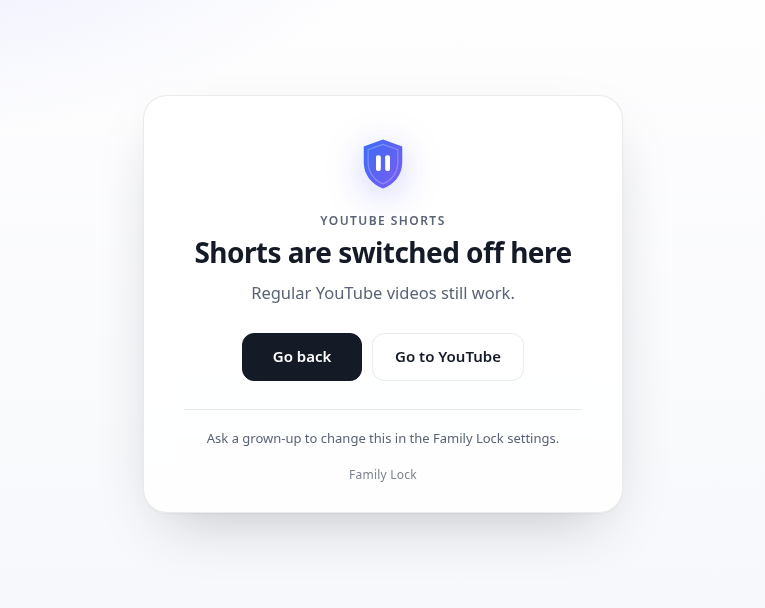
Family Lock Kids hides Shorts everywhere on YouTube (home page, search, channel tabs, sidebar), shows a calm page when a Shorts link is opened, and needs your PIN to change. The Windows installer stops it being removed.
Don't forget Incognito and other browsers
Extensions don't run in Incognito by default, and a new Chrome profile has none of your settings. On Windows, Family Lock's installer switches off Incognito, Guest mode and new profiles, and blocks Firefox. It does not control every other browser — read how that works.